
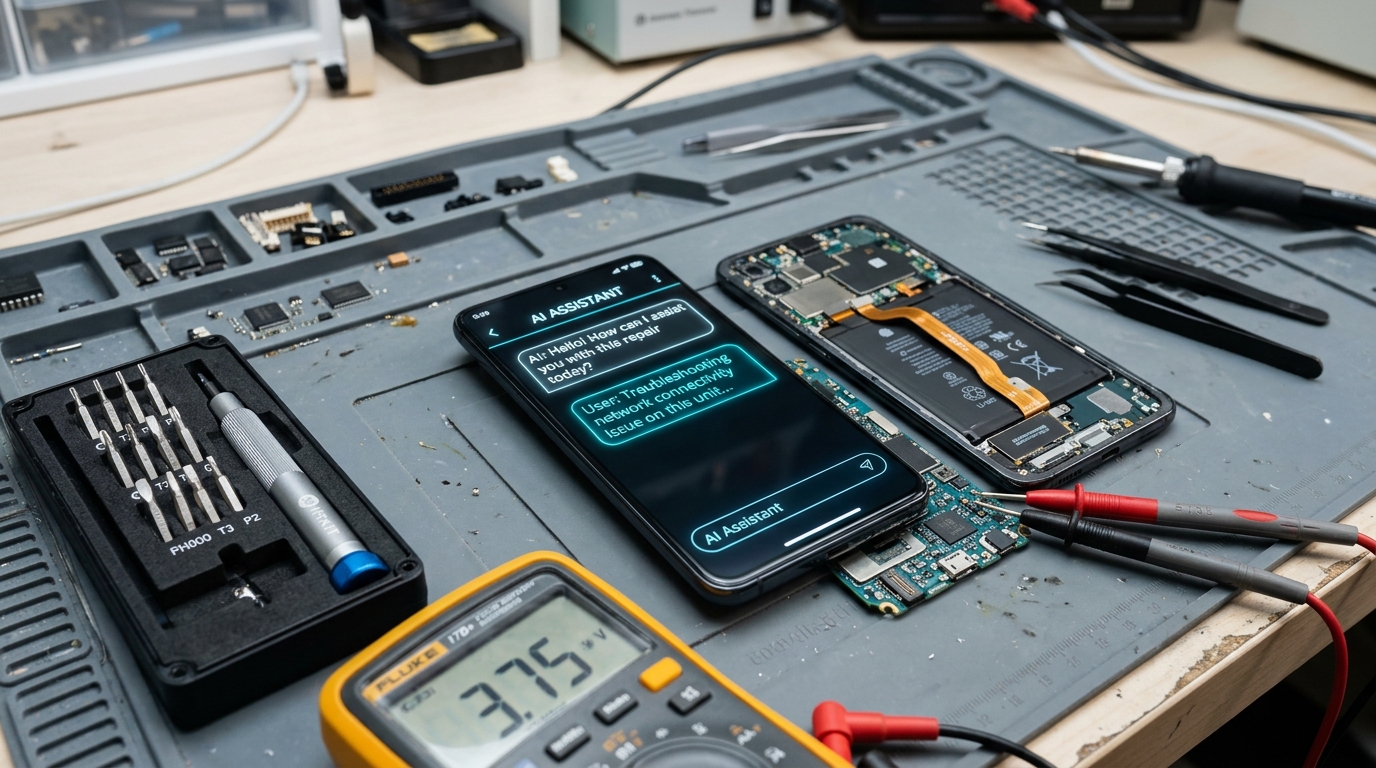
What This Post Covers:
- You will see what ChatGPT and other AI chatbots can actually do when your phone breaks.
- You will learn the specific reasons why AI diagnoses of phone problems get it wrong.
- You will see a real example of where chatbot advice sent someone in the wrong direction.
- You will get a simple way to use AI for research without trusting it for diagnosis.
- You will know exactly when to stop asking AI and see a real technician.
You experience some trouble with your phone, and prior to contacting a repairman, you try out ChatGPT and ask for assistance.
Your move was quite logical. You get an instant response from the chatbot and believe the advice because it sounds very convincing. Yet, the chatbot has never handled your phone personally, diagnosed the issue and seen it for real.
In this article, we will discuss where exactly AI chatbots become helpful when there is a phone problem, where they fail and how to tell one from another before following the advice.
AI Chatbot vs a Real Technician
| Problem / Question | Root Cause / Reason | Answer / Solution |
|---|---|---|
| Can it see the actual device? | AI works only from your text description | No, a chatbot cannot inspect the phone directly |
| Can it run a diagnostic? | AI has no access to hardware sensors | No, only a technician can test battery, ports, and internals |
| Can it tell two causes apart? | Different faults often share the same symptom | Only physical testing can confirm which one applies |
| What is it good for? | Explaining terms and listing common causes | Use it for research, not for a final diagnosis |
| What is a technician good for? | Direct access to the device | Confirming the exact issue and solving it |
Can ChatGPT Actually Diagnose a Phone Problem?
No, ChatGPT cannot diagnose the problem on a phone like a repairman does. This technology works based on your text, rather than the device itself, thus, the diagnosis takes place through reasoning rather than evidence.
That distinction matters more than it sounds. Two completely different hardware faults, like a failing battery and a loose charging port, can produce the exact same symptom: a phone that will not hold a charge. A chatbot has no way to tell them apart without physically testing the device with calibrated diagnostic tools.
What ChatGPT is good at is explaining what a symptom usually means and listing common causes. What it cannot do is confirm which cause applies to your specific phone.
Why Do AI Chatbots Get Repair Advice Wrong?
AI chatbots get phone repair advice wrong for a few consistent reasons:
- No device access: All answers are based solely on your text description, which can omit that one crucial piece of information (such as internal heat, minor drops, or microscopic liquid seepage).
- Pattern recognition over validation: The AI recognizes the most statistically likely reason in its training dataset and does not verify the actual physical state of your device.
- Confident regardless of correctness: A chatbot formulates a hypothesis and a fact in an equally reassuring, confident tone.
- Generic training data: Advice may be based on older phone models or generic solutions that are irrelevant or hazardous for modern bonded OLEDs and glued frames.
- Consequence-free incorrect diagnosis: There are no consequences for the chatbot if its advice causes you to damage the battery or void your warranty.
Real-World Example: When Artificial Intelligence Misdiagnoses Your Phone
When a Reddit user sought help diagnosing a phone that kept randomly restarting, an AI chatbot recommended a factory reset because, according to the chatbot, software bugs were the most common cause.
However, that did not work because the actual problem was a swollen lithium battery that was pressing against the motherboard power rails—a physical issue no amount of formatting or resetting could resolve. It took a week and a half of constant reboots and data loss before a technician opened the phone and identified the bulging cell in under ten minutes.
This is the standard pattern with AI diagnosis: it defaults to the most common software explanation because software guides dominate online forums. Physical hardware causes need physical inspection, not a more descriptive prompt.
When AI Diagnosis Works vs When It Does Not
| Scenario | AI Chatbot Alone | AI Chatbot + Technician | Technician Alone |
|---|---|---|---|
| Software glitch (frozen app, lag) | Often enough | Rarely needed | Overkill |
| Intermittent fault (restarts, heat) | Misses the real cause | Good starting point | Needed to confirm it |
| Physical damage (drop, water, swelling) | Actively risky advice | Useful for research only | Required |
When Should You Trust AI and When Should You See a Technician?
Consult AI chatbots about symptom terminology, but not for root cause diagnosis. Talk to ChatGPT about what a specific error code or blinking LED could mean, and treat the response as an exploratory clue rather than a definitive answer.
Contact a real repair technician at GoFix mobile repairs if:
- The problem involves physical damage, noticeable heat, frame swelling, or liquid exposure.
- A standard software fix like a restart or cache clear did not resolve the symptom.
- The AI's suggested fixes contradict each other across subsequent prompts.
- The phone is still under manufacturer or extended warranty, where DIY attempts can void your coverage.
GoFix runs an upfront diagnostic before recommending any repair, specifically because guessing at a cause wastes far more time and money than confirming the fault first.
How to Use ChatGPT Safely When Your Phone Has a Problem
AI chatbots are useful before a repair, not instead of one. Used properly, they save you time explaining your symptoms to a technician rather than trying to replace the technician.
- Describe the exact symptom: Include when it started and what happened immediately before (e.g. recent drop, software update, or charger change).
- Ask for possible causes: Prompt the AI to list potential factors rather than confirming a single diagnosis.
- Bring the list to a technician: Use the points during your consultation instead of attempting hardware fixes yourself.
- Never follow teardown advice: Skip any AI suggestion that involves prying open the screen, heating the back glass, or disconnecting internal ribbon cables.
Practitioner's Observation:
We see the same pattern almost every week: a customer arrives having already tried two or three AI-suggested fixes, and the actual cause turns out to be something none of those chats mentioned. Finding the real culprit usually requires a multimeter, thermal camera, or microscope inspection—not a better prompt.
AI Can Point You in a Direction, Not Give You a Diagnosis
ChatGPT is a reasonable place to start understanding technical jargon, and a dangerous place to end the troubleshooting process.
Use it to learn what your symptoms might mean, then confirm the actual cause with professionals who can open the phone and test the circuits safely. The gap between an AI chatbot diagnosing a phone problem and an experienced technician confirming one is the gap between a guess and an answer.
Frequently Asked Questions
Q: Can ChatGPT diagnose a phone problem accurately?
A: No, not reliably. ChatGPT can suggest likely causes based on your description, but it cannot see, test, or open the device. Two completely different hardware faults can produce identical symptoms, and only physical diagnostics can differentiate them.
Q: Is AI chatbot phone repair advice safe to follow?
A: It is safe for basic troubleshooting like restarting a device or toggling a setting. It becomes risky when the advice involves opening the phone, removing the battery, or resetting a device with an underlying hardware short circuit.
Q: Why does AI diagnosis get phone problems wrong so often?
A: AI chatbots pattern-match to statistically common online text rather than verifying your physical device. A confident-sounding answer is not the same as an empirical test, which is why AI misdiagnoses of hardware faults are widespread.
Q: When should I see a real technician instead of asking AI?
A: See a technician immediately when there is physical damage, abnormal heat, battery swelling, or liquid exposure, or when basic restarts fail to clear the issue.
Q: What is the best way to use ChatGPT before a phone repair?
A: Use it to understand terminology and brainstorm a list of questions, then bring those notes to a professional repair centre for accurate testing.