
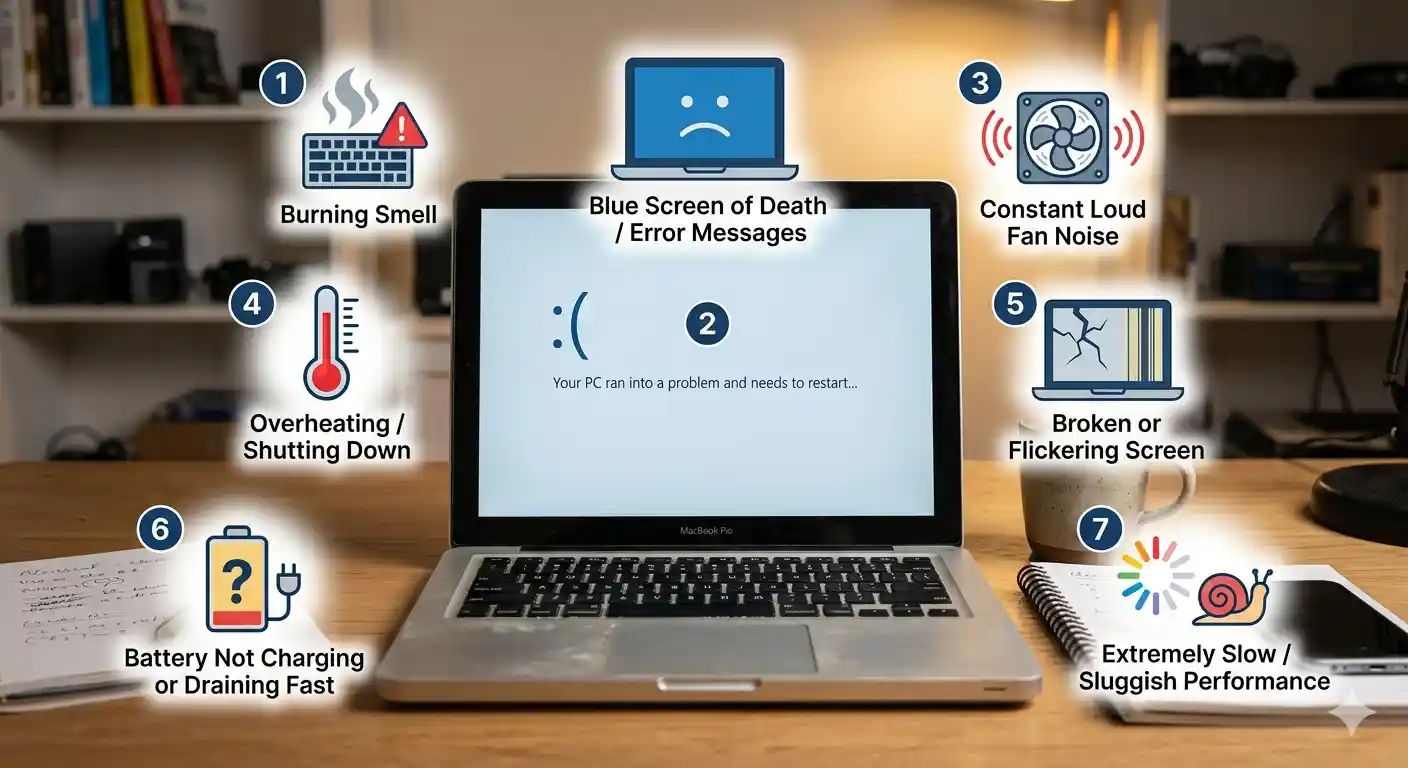
Laptops often show subtle signs before serious failure occurs. Spotting these early helps you avoid data loss, sudden shutdowns, and costly motherboard fixes.
1. Overheating or Loud Fan Noise
If your laptop runs hot or the fan is unusually loud, dust or failing cooling components may be causing heat stress.
2. Screen Flicker or Blank Display
Screen issues can be more than a bad panel. Display flicker often points to connector problems or internal damage.
3. Keyboard or Trackpad Failure
Unresponsive keys or trackpad areas can indicate a hardware fault that should be fixed before it worsens.
4. Battery Drains Too Fast
A rapidly declining battery may need replacement, but it can also signal a deeper power delivery issue.
5. Random Crashes or Blue Screens
Unexpected shutdowns usually require professional diagnostics to identify the root cause. If you want fast, expert support, visit our laptop repair services page for more information.
6. Strange Smells or Sparks
If you smell burning or see sparks, turn off your laptop immediately and seek expert repair.
7. Ports or Connections Stop Working
Damaged USB, HDMI, or charging ports can make your laptop unreliable for daily use.
8. Keep a Repair Log
Note when symptoms started and what changed. This timeline helps technicians identify whether the issue is caused by wear, impact damage, or a software problem.
Identifying these signs early and choosing a trusted service like GoFix helps keep your laptop working longer.
Frequently Asked Questions
- Is overheating always a sign of serious trouble?
- Not always, but persistent overheating should be checked quickly to avoid internal damage.
- Can I ignore a small crack or loose hinge?
- No. Even small hardware issues can worsen and lead to more expensive repairs later.
- What should I do if I notice strange smells?
- Turn off the laptop immediately and get professional help to avoid fire or component failure.
- Can I keep using a laptop with failing ports?
- Using it may work temporarily, but failing ports often signal deeper electrical issues and should be repaired.
- Does warranty cover these warning signs?
- Some do, but physical damage and wear may not be covered, so a prompt expert diagnosis is best.