
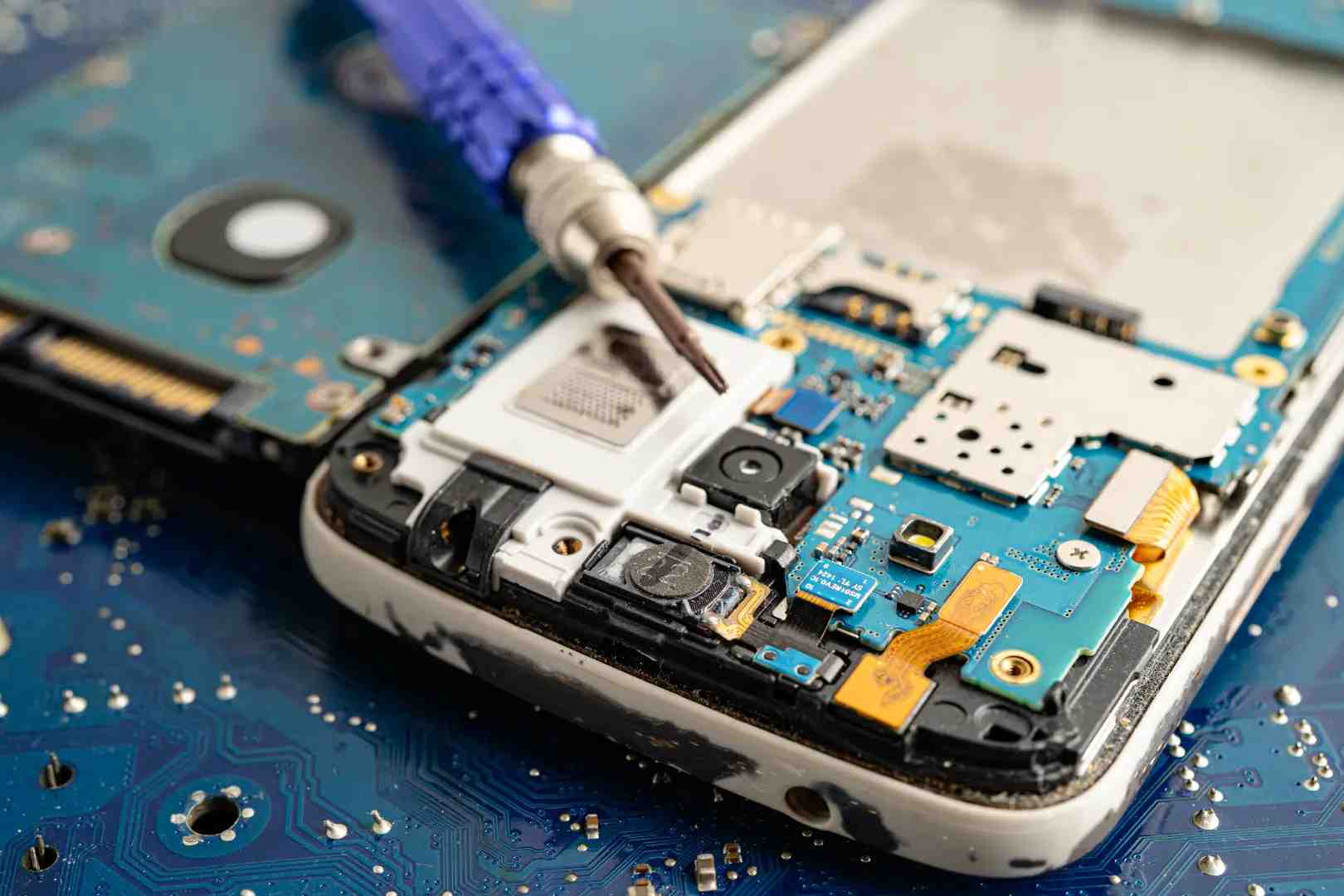
Smartphones have become an essential part of everyday life, so when one stops working, the impact is felt instantly. Most users hand over their device for repair without knowing how mobile repair works behind the scenes. Whether it’s a cracked screen, battery trouble, or a software issue, each problem goes through a careful technical process focused on restoring performance, protecting data, and ensuring the phone works reliably again.
Understanding How Mobile Repair Works From the Inside
At its core, mobile repair is a combination of diagnostics, component-level expertise, and quality checks. Modern smartphones are compact computers, so even a small fault can affect multiple functions. Skilled technicians rely on process-driven repair rather than guesswork.
The entire workflow focuses on three goals:
- Identify the exact problem
- Fix only what is required
- Prevent future failures
Step One: Device Inspection and Problem Diagnosis
The repair process always starts with inspection. Even if a user reports a specific issue, technicians verify it independently.
Visual and Functional Checks
Initial checks involve:
- Examining the screen, frame, ports, and buttons
- Powering on the device (if possible)
- Testing speakers, microphones, cameras, and sensors
Software and Hardware Diagnostics
Special tools help technicians understand how mobile repair works at a deeper level. These tests:
- Detect battery health and charging faults
- Identify overheating or power IC issues
- Reveal hidden motherboard or software errors
This step ensures the real cause is addressed, not just the visible symptom.
Step Two: Repair Planning and Cost Transparency
Once the issue is confirmed, technicians determine the most efficient repair route.
Repair vs Replacement Decision
Not all problems need full part replacement. Depending on severity:
- Minor faults may be cleaned or recalibrated
- Moderate issues may require part replacement
- Severe damage may involve board-level repair
Customers are informed about the repair scope, estimated cost, and time required. This transparency is a key part of how mobile repair works professionally.
Step Three: Safe Disassembly of the Phone
Smartphones are tightly packed with fragile components. Disassembly requires precision tools and experience.
Controlled Opening Process
Technicians:
- Power off the device completely
- Use heat plates to loosen adhesive
- Open the phone without damaging cables or sensors
Component Isolation
Internal parts like batteries, displays, and connectors are isolated carefully to avoid short circuits or accidental damage.
Step Four: Core Repair Work
This is where the actual fixing happens. The approach depends on the problem identified earlier.
Common Hardware Repairs
Some of the most frequent repairs include:
- Screen or glass replacement
- Battery replacement
- Charging port repair
- Speaker or microphone replacement
Advanced Motherboard Repairs
For complex issues, technicians perform micro-level repairs such as replacing IC chips, repairing broken circuits, or resolving water-damage corrosion. This stage highlights how mobile repair works beyond basic part swapping; it often involves electronic expertise similar to computer engineering.
Step Five: Software Fixes and Optimization
Not all phone issues are physical. Many are software-related and require a different skill set.
Software Repair Tasks
Technicians may:
- Reinstall or update the operating system
- Remove malware or corrupted files
- Resolve boot-loop or app crash issues
These steps improve performance without replacing hardware, saving both time and cost.
Step Six: Reassembly and Quality Testing
After repairs, the phone is carefully reassembled and tested.
Multi-Point Testing
Before returning the device, technicians check:
- Touch response and display clarity
- Battery charging and drain rate
- Network connectivity and sensors
- Camera and audio performance
This final stage ensures the phone works as expected under real-world conditions.
Why Professional Repair Matters
Understanding how mobile repair works also explains why professional service is important. Improper repairs can lead to a shortened device lifespan, data loss, or recurring hardware failures. Certified technicians use proper tools, genuine or high-quality parts, and tested procedures to protect both the device and user data.
Common Myths About Mobile Repair
- Myth 1: Repairs Always Reduce Phone Performance - Quality repairs restore performance when done correctly.
- Myth 2: Repaired Phones Are Not Reliable - Professionally repaired devices can function just as well as new ones.
- Myth 3: DIY Repairs Are Always Cheaper - Improper DIY attempts often increase overall repair cost due to additional damage.
Frequently Asked Questions
- How long does a typical mobile repair take?
- Simple repairs like battery or screen replacement often take a few hours, while complex motherboard issues may take one to two days.
- Is data safe during mobile repair?
- Reputed service centers follow strict data privacy practices. Still, backing up data is always recommended.
- How mobile repair works for water-damaged phones?
- Technicians clean corrosion, dry internal components, and replace affected parts. Early repair improves success rates.
Conclusion
Mobile repair is a structured, technical process built on diagnostics, precision, and testing. Knowing how mobile repair works helps users make informed decisions, avoid myths, and choose reliable service providers. When handled by trained professionals, repairs can extend a phone’s life and restore full functionality without unnecessary replacements.
For users seeking dependable service,GoFix focuses on process-driven repairs, transparent diagnostics, and quality testing ensuring devices are not just fixed, but fixed right.