
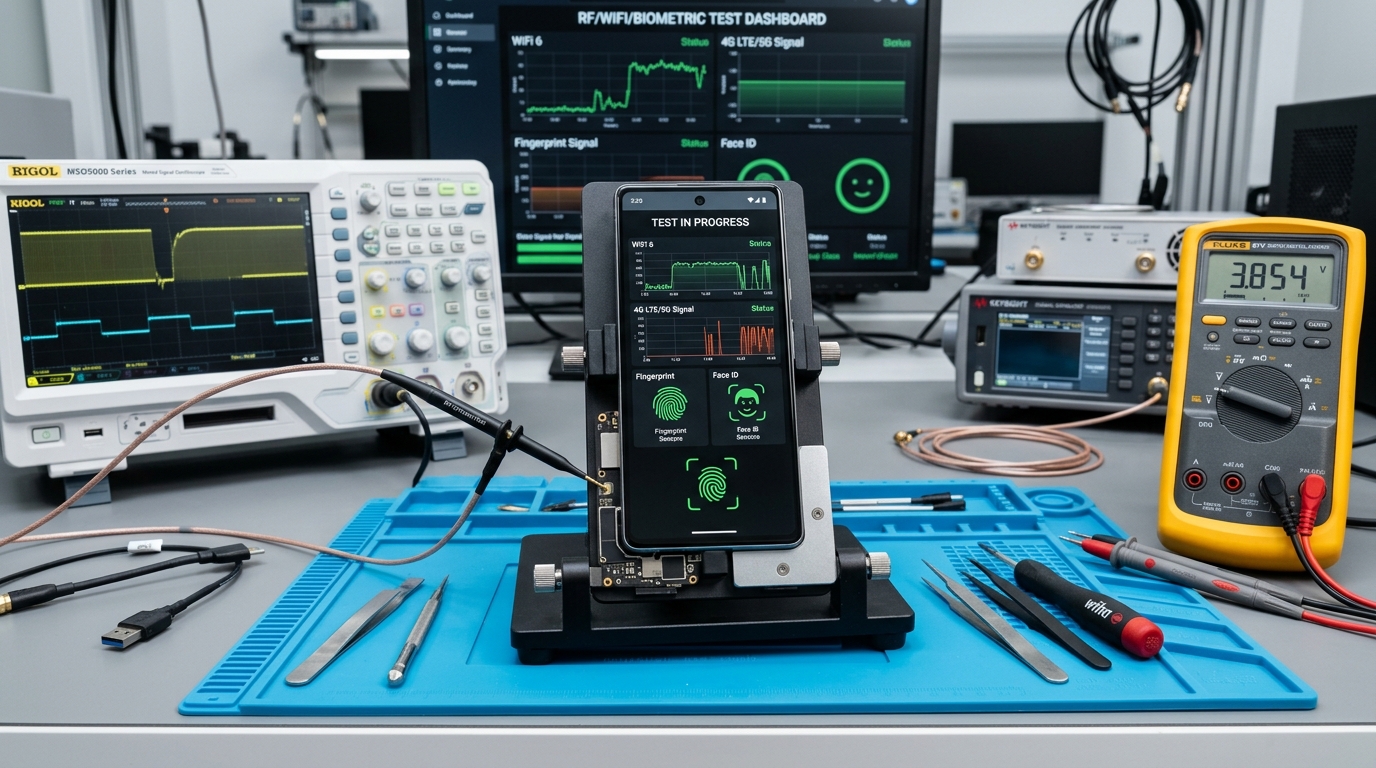
What This Post Covers:
- You will learn how to identify whether a phone connection problem is caused by settings, network conditions, or hardware.
- You will get practical fixes for Wi-Fi, Bluetooth, mobile signal, and fingerprint sensor problems.
- You will learn when a simple restart or settings reset is enough and when professional diagnostics make more sense.
- You will see how recent drops, liquid exposure, screen repairs, or software updates can change the diagnosis.
- You will know what information to collect before visiting a repair centre.
A phone that suddenly stops connecting or unlocking does not always have a serious hardware fault. Wi-Fi may fail because of network settings, Bluetooth can get stuck after a software change, and a weak signal may come from the SIM or carrier rather than the phone itself.
Fingerprint and face sensors can also fail because of dirt, moisture, damaged components, or incorrect settings. The key is to identify whether the problem is software, network-related, or physical before spending money on a repair.
This phone connectivity troubleshooting guide explains how to diagnose common connection and sensor problems, what you can safely try at home, and when professional diagnostics or component replacement makes more sense.
Symptom-to-Solution Matrix
| Problem / Question | Root Cause / Reason | Answer / Solution |
|---|---|---|
| Phone Wi-Fi not working | Saved network, router, software, or Wi-Fi hardware | Restart, forget network, test another Wi-Fi network |
| Phone Bluetooth not working | Pairing data, accessory, software, or Bluetooth hardware | Forget accessory, restart, test another accessory |
| Phone has no signal | SIM, carrier coverage, network settings, or antenna | Check coverage, reseat SIM, test SIM in another phone |
| Fingerprint sensor issue | Dirt, moisture, settings, display/sensor area, or hardware | Clean sensor, check settings, inspect after physical repair |
| Several functions fail together | Software fault, physical damage, or board-level issue | Back up data and seek professional diagnostics |
Why Is Your Phone Suddenly Having Connectivity Problems?
Connectivity problems usually fall into three groups: settings, network, or hardware. Knowing which group fits the symptoms can prevent unnecessary resets or repairs.
A useful diagnostic rule is to test the phone on another network or with another accessory. If other devices connect normally but your phone does not, investigate the phone. If your phone works elsewhere, the original network or accessory is more likely to be responsible.
For internet-related problems, the FCC distinguishes equipment, availability, interference, and speed as separate categories of connectivity complaints. That distinction is useful because not every connection failure is a phone fault. A short test can save a long repair.
What Should You Check First?
- Restart the phone: A restart clears temporary software processes that can interfere with Wi-Fi, Bluetooth, mobile data, and sensors.
- Toggle connection settings: Turn Wi-Fi, Bluetooth, Airplane Mode, or mobile data off, wait a few seconds, then turn it back on.
- Check the SIM: If your phone shows no signal, remove and reseat the SIM if your device supports a physical SIM.
- Forget and reconnect: If your phone's Wi-Fi isn't working, forget the saved network and enter the password again. For Bluetooth, remove the old pairing.
- Inspect sensors and ports: Dust, moisture, cases, or screen protectors can affect sensors and exposed connection points.
If these steps do not help, avoid repeatedly changing settings at random. A consistent symptom is more useful to a technician than a phone that has undergone multiple resets.
Why Is My Phone Wi-Fi or Bluetooth Not Working?
If phone Wi-Fi is not working or phone Bluetooth not working continues after restarting, check whether other devices can connect, forget and reconnect the network or accessory, update the phone, and reset network settings only if necessary.
For Wi-Fi, first determine whether the phone can see nearby networks. If it sees networks but cannot connect to one specific router, the saved network profile or router may be responsible. If no networks appear at all, the phone may need deeper diagnostics.
Bluetooth should be tested with another compatible accessory. If one headset fails but another pairs successfully, the original accessory is likely the problem. If Bluetooth cannot discover any compatible device, investigate the phone.
Network reset is a later step, not the first one. Depending on the device, it can remove saved Wi-Fi networks, Bluetooth pairings, and mobile network settings.
For fingerprint problems, Apple recommends keeping Touch ID sensors and fingers clean and dry and checking that cases or screen protectors do not interfere with the sensor.
What Happened to Rohan's Phone After a Screen Replacement?
Rohan brought a smartphone to a repair centre after noticing that the phone connected to Wi-Fi normally but fingerprint unlocking stopped working after a screen replacement.
The initial assumption was that the fingerprint software needed to be reset. A technician instead checked the sensor area, connector seating, screen assembly, and device settings before changing anything.
The lesson is useful for any fingerprint sensor issue: a sensor problem that begins immediately after physical repair deserves a hardware inspection before repeated software resets.
This reflects a practical E-E-A-T principle in repair work. Experienced technicians do not diagnose a fault only from the error message. They compare the timing of the problem with recent events such as a screen replacement, drop, liquid exposure, battery service, or software update.
If the phone has suffered physical damage, professional diagnostics at a GoFix repair centre can help identify whether a connector, sensor, screen assembly, or another component requires replacement. GoFix supports repair, replacement, cleaning, and compatible component services across major brands, with high-grade parts and certified technician support.
Key Takeaways
- Phone connectivity troubleshooting should begin by isolating the affected connection or sensor.
- Phone Wi-Fi not working does not automatically mean the Wi-Fi hardware is damaged.
- Phone Bluetooth not working can result from a pairing problem or a faulty accessory.
- A phone no signal fix should start with coverage and SIM checks before hardware repair.
- A fingerprint sensor issue that appears after a screen repair deserves hardware inspection.
- GoFix can provide diagnostics, repair, replacement, cleaning, and compatible component services for major phone brands.
Phone No Signal Fix: Should You Repair or Replace?
| Symptoms | First Action | If it continues |
|---|---|---|
| Wi-Fi cannot find networks | Restart and test another location | Professional diagnostics |
| Wi-Fi connects but has no internet | Test another device/network | Check router or phone settings |
| Bluetooth cannot pair | Forget device and pair again | Test another accessory |
| Phone shows no signal | Check SIM and network coverage | Diagnose SIM tray, antenna, or network hardware |
| Fingerprint stops recognising you | Clean and dry sensor, check settings | Sensor or display-area inspection |
| Face unlock fails | Clean camera area and check settings | Camera/sensor diagnostics |
A phone no signal fix should start with the simplest causes. Check whether the carrier has coverage, whether the SIM works in another compatible phone, and whether mobile network settings are correct.
If several connectivity functions fail together, such as Wi-Fi, Bluetooth, mobile data, and sensors, hardware damage becomes more relevant, especially after a drop or liquid exposure.
For persistent problems, professional testing is preferable to repeatedly replacing parts without identifying the actual fault. GoFix can diagnose common smartphone issues and provide repair, replacement, cleaning, and compatible component services across all major brands.
Practitioner's Observation: A practical repair-room clue is timing. When a fingerprint sensor issue starts immediately after a screen replacement, technicians should inspect the sensor area and connectors before assuming that software is responsible. Likewise, a phone that loses Wi-Fi, Bluetooth, and mobile signal after a drop deserves hardware diagnostics rather than repeated network resets.
The fastest repair diagnosis often comes from identifying what changed immediately before the fault appeared.
How Do You Check What Part or Fault You Are Actually Dealing With?
- Record exactly which functions stopped working.
- Write down when the problem started and what happened immediately before it.
- Test another SIM, Wi-Fi network, or Bluetooth accessory where possible.
- Check whether the phone was dropped or exposed to moisture.
- Back up important data before major reset or repair procedures.
- Ask the repair provider to explain the diagnosis and proposed replacement before approving the work.
A provider confident in its diagnosis should be able to explain what was tested, what failed, and why the recommended repair addresses that failure.
Conclusion
Phone connectivity troubleshooting works best when you diagnose the symptom before changing settings or replacing parts. Start with simple tests, isolate the network or sensor involved, and look for a connection between the fault and any recent physical or software event.
If Wi-Fi, Bluetooth, mobile signal, or biometric sensors remain unreliable after basic checks, get the device professionally diagnosed rather than guessing at the repair. Explore GoFix phone repair services to identify whether you need a setting change, component repair, or replacement with genuine warranty support.
Frequently Asked Questions
- Why is my phone Wi-Fi not working but other devices are?
If your phone Wi-Fi not working but other devices are, restart it, forget the saved network, reconnect, and test another Wi-Fi network. If the phone cannot detect any networks, update the software and consider professional diagnostics for a possible hardware fault. - What is the easiest phone no signal fix?
A basic phone no signal fix is to restart the phone, check Airplane Mode, reseat the SIM if applicable, and test the SIM in another compatible device. If the SIM works elsewhere but your phone still has no signal, the phone may need network or antenna diagnostics. - How do I fix a fingerprint sensor issue?
For a fingerprint sensor issue, clean and dry both your finger and the sensor, remove anything covering the sensor, check biometric settings, and try registering the fingerprint again. If the sensor remains unavailable after physical damage or repair, professional inspection may be required. - Why is my phone Bluetooth not working?
If your phone Bluetooth not working, restart Bluetooth and the phone, forget the old accessory pairing, and pair the device again. Test another Bluetooth accessory if possible. If no compatible accessory can be discovered, professional diagnostics may be needed. - When should I get professional phone connectivity troubleshooting?
Get professional phone connectivity troubleshooting when Wi-Fi, Bluetooth, mobile signal, or sensors continue failing after basic checks, especially after a drop, liquid exposure, or repair. A technician can isolate whether the issue involves software, a connector, antenna, sensor, or another component.