
Why Does My Phone Keep Restarting? Causes and Fixes
Is your smartphone shutting down and restarting all by itself? If your phone keeps restarting, you’re not alone. This frustrating issue is more common than you may think, and it can happen to both Android and iPhone users. While it may feel like a serious hardware problem, the truth is that random restarts often stem from software glitches, app conflicts, or simple settings misconfigurations.
The good news? You don’t always need to rush to a service center. In most cases, you can identify the cause and fix it on your own. This guide walks you through the possible reasons and step-by-step solutions when your phone keeps restarting unexpectedly.
Why Does My Phone Keep Restarting?
A phone that restarts without warning can point to several underlying issues. Here are the most common culprits:
- Faulty or outdated apps - Poorly coded apps can overload your system.
- Software bugs - Pending system updates or corrupted files can trigger restarts.
- Battery issues - A weak or damaged battery can cause random shutdowns.
- Overheating - Continuous gaming, streaming, or charging may cause heat-related restarts.
- Insufficient storage or memory - When your phone runs low on storage or RAM, performance can crash.
- Hardware problems - In rare cases, faulty circuits or water damage can be responsible.
Quick Fixes to Try Right Away
If your phone keeps restarting, start with these easy troubleshooting steps:
- Restart the Right Way
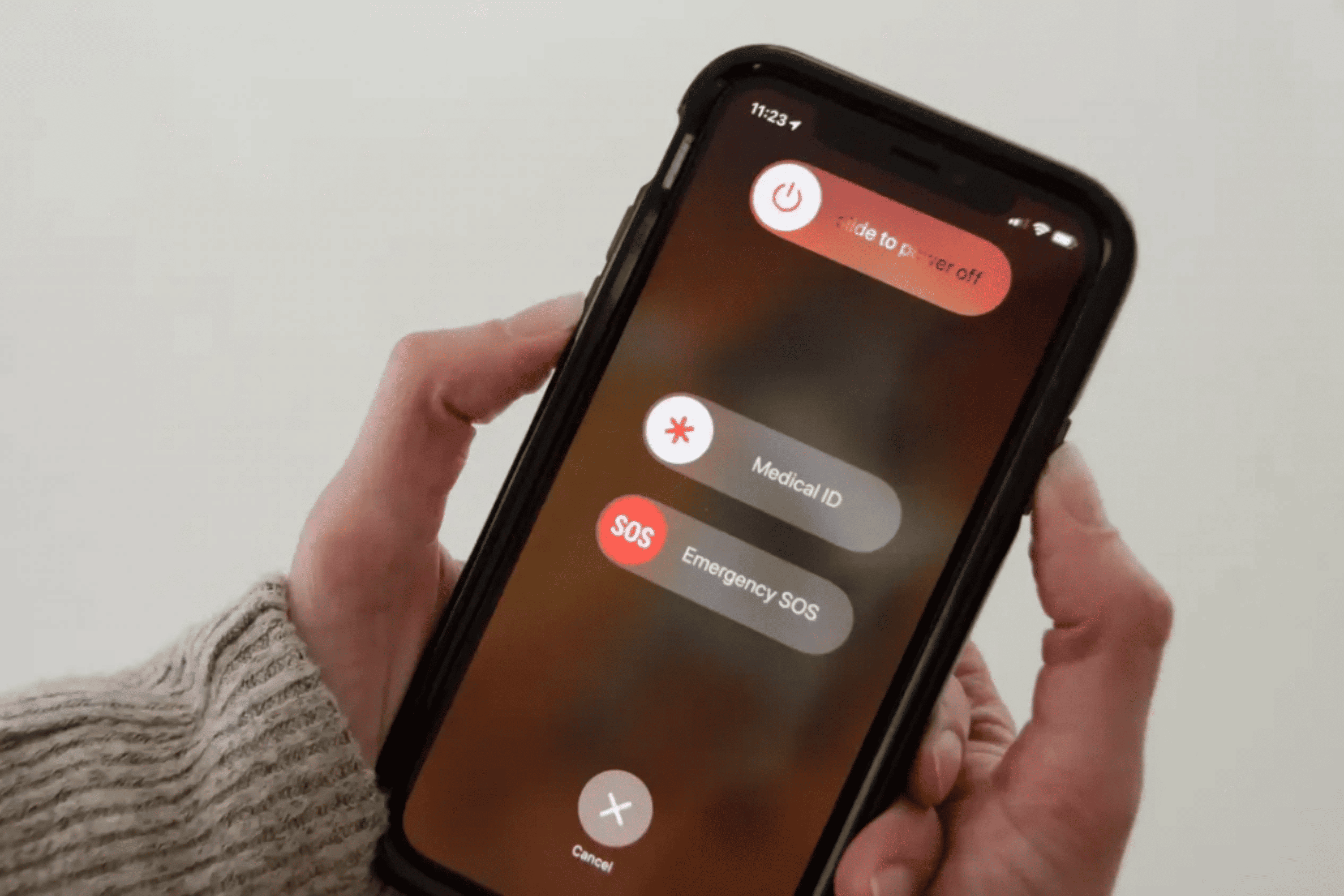
Ironically, the first fix is restarting your phone manually. A soft reboot can clear minor system glitches. Hold the power button, turn off the device, wait a few seconds, and restart. - Check for Software Updates
Go to Settings > Software Update, install the latest OS patches, and restart after the update. Manufacturers regularly release updates to fix bugs that may be causing restarts. - Delete Problematic Apps
If your phone started acting up after installing a new app, uninstall it. You can also reboot in Safe Mode (booting without third-party apps) to see if an app is the trigger. - Free Up Space
Low storage makes phones unstable. Delete unused apps, clear cache, or move files to the cloud. Aim to keep at least 20% of storage free. - Reset Settings (Not Data)
On most phones, you can reset only system settings without wiping personal files. This can fix misconfigurations that lead to restarts.
Advanced Solutions If the Problem Persists
- Battery Health Check
On iPhones, check Settings > Battery > Battery Health.
On Android, install apps like AccuBattery to test capacity.
If your battery is below 80% capacity, it may need replacement. - Clear System Cache
For Android users, clearing the cache partition can resolve restart loops caused by corrupted files. - Perform a Factory Reset
If no solution works, back up your data and perform a factory reset. This gives your device a fresh start but should only be done as a last resort.
Preventing Future Random Restarts
- Update regularly - Both apps and system software should be kept current.
- Avoid overheating - Don’t use your phone while charging, and give it breaks during heavy gaming.
- Be cautious with apps - Install apps only from trusted sources like the App Store or Play Store.
- Use quality accessories - Cheap chargers or cables can cause unstable power supply issues.
- Maintain storage health - Keep your storage organized and avoid overloading your phone.
When to Seek Professional Help
Sometimes, despite all efforts, the issue may persist. This usually means there’s a deeper hardware fault. If your phone keeps restarting even after a reset, it’s time to get expert help.
For reliable repairs and diagnostics, GoFix is a trusted partner you can count on. Their trained technicians handle everything from battery replacements to complex hardware fixes with genuine parts and transparent service.
FAQs About Phones Restarting Randomly
- Why does my phone restart only when charging?
- This usually indicates a faulty charger or charging port. Try a different cable and adapter. If the problem continues, the battery or port may need servicing.
- Can a virus cause my phone to keep restarting?
- Yes. Malware or unsafe apps can overload the system. Run a security scan and remove suspicious apps immediately.
- Is it safe to keep using a phone that restarts randomly?
- Not always. Random restarts can cause data corruption, missed calls, or overheating. It’s best to address the issue promptly.
- My iPhone restarts only during calls - why?
- This could be due to a network issue, outdated carrier settings, or a faulty proximity sensor. Update carrier settings and test with a different SIM card.
- Will replacing the battery fix the issue completely?
- If the cause is battery-related, yes. But if the problem lies in software or the motherboard, a new battery won’t solve it.
Conclusion
When your phone keeps restarting, it’s easy to feel stuck. But most of the time, the issue comes from apps, storage, or minor bugs - things you can fix yourself without professional help. Start small with simple restarts and updates, then move on to clearing cache or checking battery health.
If the problem doesn’t go away, don’t ignore it. A reliable service provider like GoFix can step in and ensure your device gets back to working smoothly. After all, your smartphone isn’t just a gadget - it’s an essential part of your daily life, and it deserves proper care.